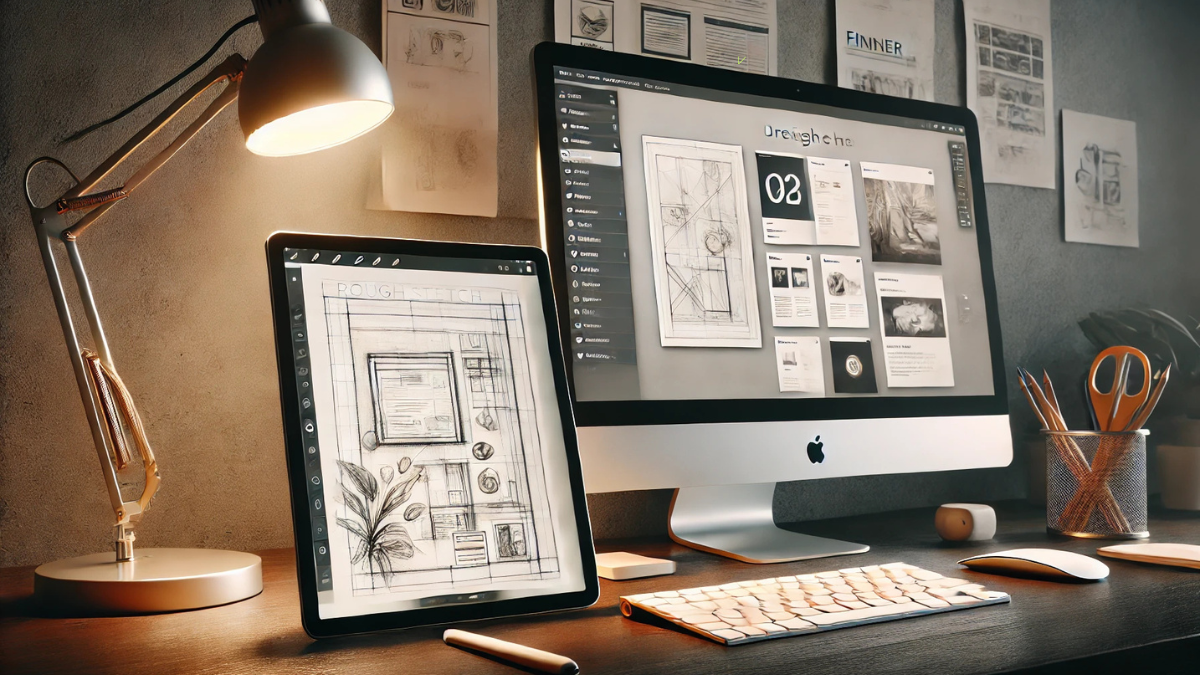
As a web designer, essential website design tools are the foundation of every project. From creating beautiful designs to optimising performance and ensuring smooth workflows, each tool plays a critical role. Whether you’re a DIY website builder or looking for insight into how a professional streamlines the process, here’s a behind-the-scenes look at my go-to toolkit.
Website Design & Development Tools
WordPress
My go-to platform for building dynamic, scalable websites. It offers flexibility, a vast plugin ecosystem, and full control over design and functionality. It’s the only website platform out that I believe really grows with your business.
Themes & Page Builders
Divi by Elegant Themes – A powerful, all-in-one builder with drag-and-drop functionality.
Elementor – An intuitive, user-friendly builder that allows full customisation without coding.
Kadence WP – A lightweight, performance-focused theme that makes website handovers seamless for clients.
Graphic & Mockup Tools
Automation & Productivity
Zapier – Connects apps and automates workflows, saving time on repetitive tasks.
Notion – My favourite and no. 1 go to to run my business and to collaborate with clients. I have dashboards and client portals for organising projects, tracking progress, and managing client work.
Asana – My previous go to for working with clients. A great project management and collaboration tool to keep communication all in one place.
Email & Marketing Tools
Kit (formerly Converkit) – My choice for email marketing automation and lead nurturing. Easy to use, can embed forms and landing page designs into the pages on your websites and their new Creator Network helps you to build and grow your community and connections as an entrepreneurs as well as your email list.
Colour & Typography Resources
Coolors – A great tool for generating colour palettes quickly.
Adobe Color – Allows you to upload an image and generate a colour scheme based on its tones.
Google Fonts & Creative Market – My go-to sources for typography. There are also many great places for free fonts across the web.
Why These Tools Matter
These tools form the backbone of my workflow, ensuring smooth website builds, efficient collaboration, and streamlined client handovers. Whether it’s crafting a seamless design, optimising performance, or automating repetitive tasks, each tool plays a key role in delivering high-quality results for my clients.
Are you building your website and feeling overwhelmed by the choices? Or do you need a professional to bring your vision to life? Let’s chat and see how we can make your website work for you!

0 Comments